Pepper Lists It works with the accounts you already have: your Facebook account for Marketplace, the seller app for listing from your phone, and Pepper — the Muse AI agent — for sellers who want a hand running it all. Everything below serves the platform's three purposes — Sell, Post and Book. Here is how each piece works, stated plainly.
Pepper Lists is a three-purpose platform. Sell — list once and reach the marketplaces. Post — social media, search directories, and your reviews. Book — appliance service with Speedy AI and Top Speed Service OS.
Connect your marketplace channels (sections 1–2 below), list from a photo in the seller app (section 3), and let Pepper — the Muse AI agent — help where you grant it (section 4). Your listings sell on Facebook Marketplace, Google Shopping, eBay, Etsy and Walmart.
Connect your social accounts — TikTok, Facebook, YouTube, Instagram, X, LinkedIn — and your search-directory listings: your own Google Business Profile, Bing Places, and more directories (see "Every other channel" below). Your repair reviews post to the Pepper Lists wall.
Book appliance service on Top Speed Service OS: the classic web form first, Speedy AI booking below it as the high-tech option, and Speedy confirms a summary with you before anything reaches the Service Setters. Track My Tech follows the visit; your bookings live in the customer app.
Everything starts with one connection: your own Facebook account, linked to your Pepper Lists account. The link is completed on Facebook's side by the Top Speed team — you never hand over a password, and the connection belongs to your account, not to one phone or browser.
Sign up for Pepper Lists It — it's the same Top Speed account you use across the whole platform. Free, and it takes a minute.
In your account, find Channel Connections and choose Facebook. Tell us the name on your Facebook account so the team links the right one.
Your request goes to the Top Speed team, who complete the link on the platform side. The channel shows Pending until then — we don't call anything connected before it is.
When the link is real, the status in your account flips to Connected — and the same Facebook connection covers Marketplace selling and posting to your Page or profile.
With Facebook connected, your Pepper Lists listings have a path to Marketplace buyers — through your own account, so every listing shows in your Facebook Seller app like any listing you made yourself.
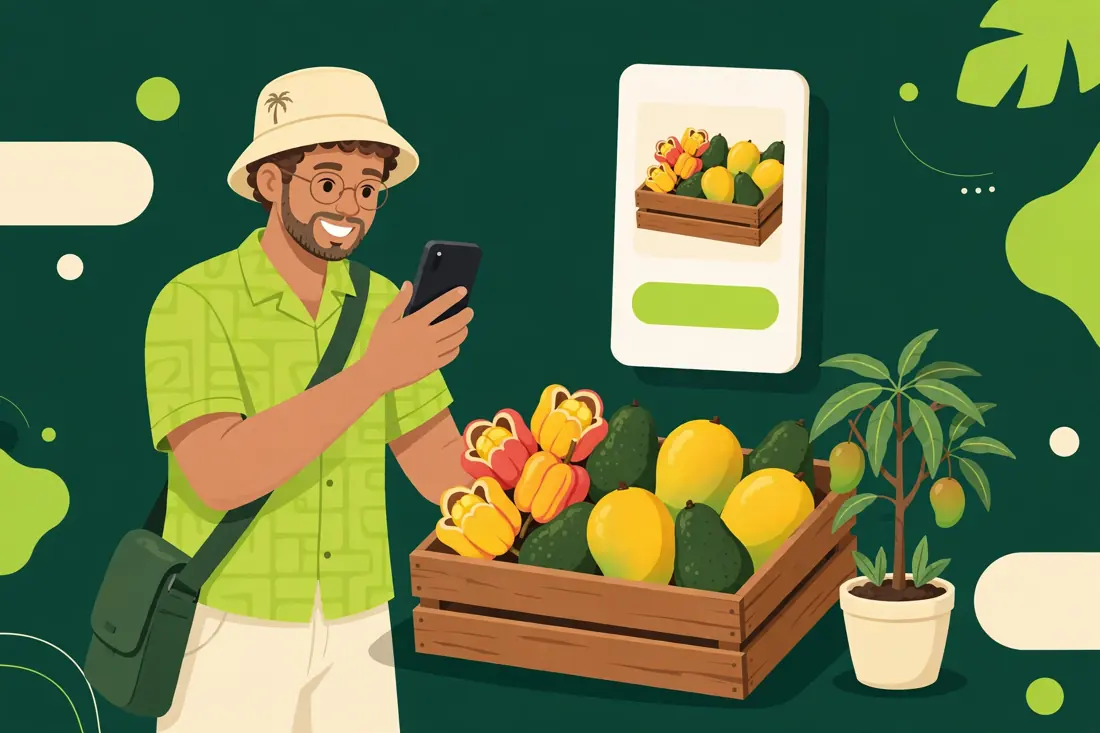
Photograph what you're selling — produce, trees, household goods, whatever's in the yard. One photo starts the listing.
Pepper drafts the title, category, condition and description from your photo. You review it, set the price if it's new — Pepper never invents one — and say yes.
Only after your yes does the listing go out through your connected Facebook account onto Marketplace. Nothing goes live without you — that rule never changes.
Pepper Lists It is the seller app: your shop in your pocket, on the same account you use everywhere in Top Speed.
The photo listing flow runs through Speedy chat inside the app: send the photo, talk through the details, get a drafted listing back, confirm, done.
Channel Connections lives in your account: every channel's true status, your account reference on it, and your agent-access switches — on any screen, phone to desktop.
Inside, everything is Sell (your listings and ads), Post (your social channels, search directories and reviews), or Book (Top Speed appliance service, booked right from the same account) — one account, three purposes.
Pepper is the Muse AI agent behind Pepper Lists — the operations agent of the Top Speed Service OS. (Speedy, the assistant inside the app, is a different helper: Speedy talks with you; Pepper does the follow-through.) When you grant it access, Pepper can manage your channels and listings for you.
Each channel has its own switch in your account: "Allow the Pepper Lists agent (Pepper) to manage this channel for me." It's off by default. Granting Facebook says nothing about eBay — every channel is its own decision.
With your grant, Pepper prepares your listings, keeps your channels in order, and follows through on the selling busywork — the same way Pepper runs operations behind the scenes for Top Speed itself.
Every action Pepper takes on your channels is logged on your account. Flip the switch off and the access ends — no calls, no forms, no hard feelings. And your own listings still follow your rule: Pepper prepares, you approve, then it posts.
Channel Connections covers more than Facebook. Each of these lives on the same account page, and each one shows its true prerequisite before you send a request — because every marketplace has its own front door.
First step is yours: a free Google Merchant Center account. Then send your Merchant Center name or ID with your request and the team completes the link.
An eBay seller account comes first. Send your eBay user ID with your request; listing sync switches on with the eBay integration phase.
Open your Etsy shop, then send its name with your request; listing sync switches on with the Etsy integration phase.
Walmart approves its own sellers first — their application, US business and tax verification. Once you're approved, send your seller name and the team completes the connection.
Posting opens after TikTok's app review for our integration; selling needs your own TikTok Shop seller registration. Send a request now and you're first in line when it opens.
YouTube posts through your own channel; Instagram needs a professional account linked to a Facebook Page; X runs on X's paid API tier — confirmed with you before anything is switched on; LinkedIn company-page posting needs LinkedIn's own approval. Each shows its step in your account.
Your listing on Google Search and Maps is yours: create or claim it free at google.com/business and finish Google's own verification. Then send your business name with your request and the team completes the link.
Your listing on Bing is yours too: claim or create it free at bingplaces.com and finish Microsoft's verification (often a PIN mailed to the business). Then send your business name with your request and the team completes the link.
Beyond Google and Bing — directories like Yelp and Apple Maps. Each has its own claim steps; send your business name and the team confirms the directory list with you before anything is filed in your name.
Live now: your Pepper Lists account, Channel Connections requests for all thirteen channels (including the three search-directory channels), the office completing links on the platform side, and per-channel Muse agent access grants with a full audit log. Rolling out channel by channel: the automatic sync and posting engines behind each connection — a channel's status in your account always tells the truth about where it stands, and nothing on this page claims a channel is live before it is.
Create your free Pepper Lists account, open Channel Connections, and send your first request — Facebook is the place to start.
Create your account Sign in